


If you are a working professional or student recovering from a concussion, one of the first things you likely noticed was how punishing screen time feels. Looking at a computer monitor for a Zoom meeting, skimming coursework on a tablet, or checking a text on your phone can trigger immediate eye strain, dizziness, nausea, or a throbbing headache.
In today’s remote and hybrid environments, sitting in a pitch-black room for weeks until every symptom disappears isn’t practical or medically necessary. Modern concussion medicine emphasizes active, structured recovery.
This guide explains why screens provoke post-concussion symptoms and provides a step-by-step strategy to safely introduce screens back into your routine without setting back your recovery.
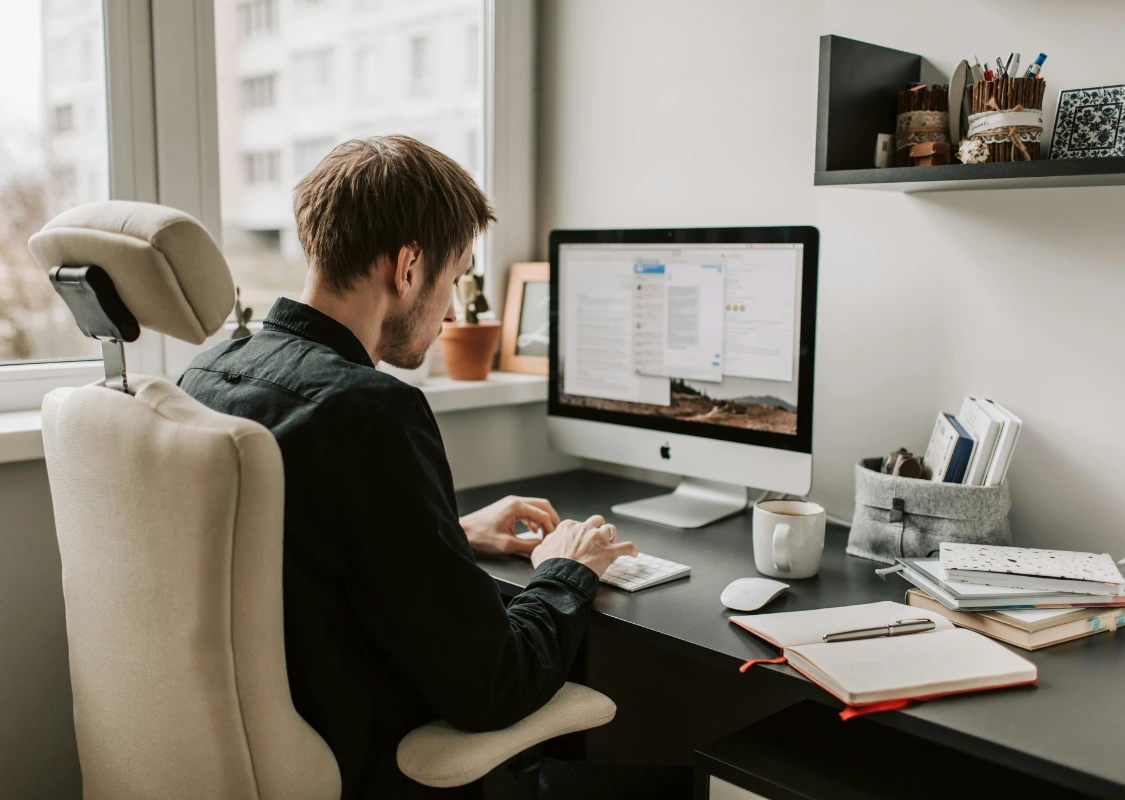
Why Do Screens Trigger Post-Concussion Symptoms?
A concussion is a functional brain injury that disrupts how nerve cells communicate and process environmental data. Screens present three specific challenges to an injured brain:
- High Visual Processing Load: Digital screens constantly refresh, feature high contrast, and display micro-movements (scrolling text, moving cursors, flickering video). Your visual system has to work significantly harder to track this visual input.
- Oculomotor Dysfunction: Concussions frequently affect the pathways controlling how your eyes focus, track objects, and work together (convergence). Attempting to read small text on a screen causes muscle fatigue in the eyes, leading to frontal headaches and pressure behind the eyes.
- Photophobia & Blue Light: Light sensitivity (photophobia) is common after a traumatic brain injury. Blue wavelengths emitted by digital displays stimulate retinal ganglion cells connected to pain pathways in the brain.
The Old Protocol vs. Modern Concussion Management
Outdated Advice: “Sit in a dark room with zero screens until all symptoms resolve completely.”
Modern Evidence-Based Protocol: “Rest strictly for 24–48 hours, then initiate sub-symptom threshold activity to promote neurorecovery.”
Complete sensory deprivation (often called “dark room therapy”) can lead to physical deconditioning, heightened light sensitivity, anxiety, and social isolation. Instead, the goal is managed exposure—using screens at a level that keeps your symptoms mild and temporary.
Practical Screen Protocols for Work and Study
1. Apply the “Rule of 2” for Symptoms
Monitor your symptoms on a 0–10 scale (where 0 is no symptoms and 10 is severe pain/discomfort).
- Acceptable: A mild increase of 1 to 2 points above your baseline while using a screen is acceptable, provided it returns to baseline within 15–30 minutes after stopping.
- Stop Trigger: If your symptoms increase by 3 points or more, stop immediately. You have exceeded your brain’s current cognitive/visual tolerance.
2. Implement Short Work Bursts (The 20/20/20+ Rule)
Instead of attempting long study sessions or 8-hour workdays:
- Work on screens in 15 to 20-minute intervals.
- Look at an object at least 20 feet away for 20 seconds.
- Close your eyes completely for 1 to 2 minutes between tasks to reset your visual system.
3. Adjust Device Settings
Optimize your screen environment before opening emails or documents:
- Match Brightness to Ambient Light: Adjust your screen brightness so it matches the illumination of your room—never use a bright screen in a dim environment.
- Enable Blue Light Filters: Turn on “Night Shift” (macOS/iOS) or “Night Light” (Windows) permanently to reduce blue light output.
- Increase Font Size and Zoom: Boost default display size and text zoom to 125%–150% so your eyes do not struggle to focus.
- Increase Display Refresh Rates: Set monitors to higher refresh rates (120Hz or higher) if supported to reduce subtle screen flicker.
- Switch to Dark Mode: Enable dark mode for reading dense text to lower total light emission.
4. Optimize Ergonomics and Distance
- Position monitors 20–26 inches away from your face (roughly arm’s length).
- Align the top third of your computer screen with your natural eye level to avoid neck strain, which can trigger cervicogenic headaches that mimic concussion symptoms.
Returning to Work or School in New York
If screen sensitivity is impeding your ability to perform job duties or attend lectures, full-time resumption isn’t required immediately.
At Concussion Management of New York, we work closely with employers, HR departments, and academic institutions to implement formal accommodations, including:
- Text-to-Speech Software: Converting reading materials into audio format to reduce visual strain.
- Graduated Screen Timetables: Scheduling screen work in capped blocks (e.g., 2 hours per day, scaling up as tolerance increases).
- Exemption from Synchronous Video Calls: Permitting audio-only participation during team meetings or lectures.
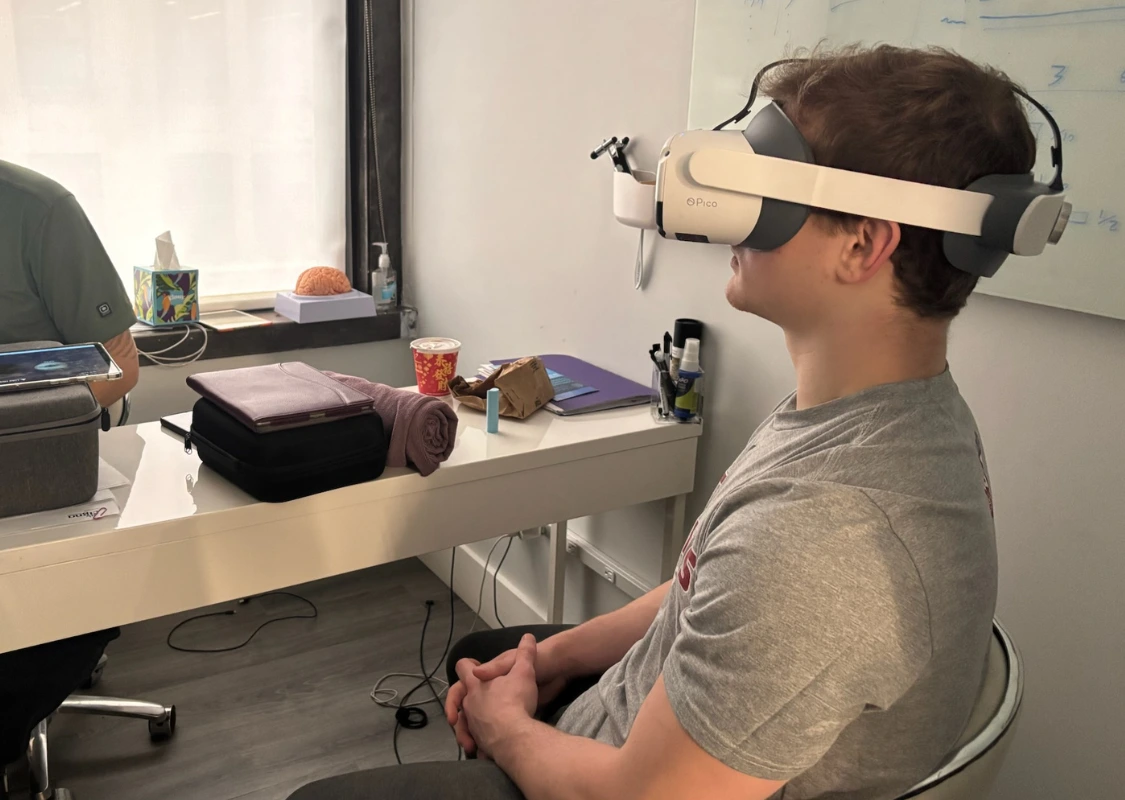
When to Seek Professional Concussion Therapy
If screen-induced headaches, eye strain, dizziness, or brain fog persist beyond 10 to 14 days, self-management alone may not resolve the underlying issue. Persistent screen intolerance often indicates targeted dysfunction in the visual, vestibular, or neck systems.
Comprehensive treatment options available at our New York clinics include:
- Neuro-Optometric Vision Therapy: Targeted exercises to rehabilitate eye alignment, tracking, and convergence deficits.
- Vestibular Rehabilitation: Specialized therapy to re-integrate visual and balance signals.
- Cervical Spine Physical Therapy: Targeted treatment to relieve neck stiffness and cervicogenic headaches contributing to visual sensitivity.
Need Help Navigating Concussion Recovery?
Don’t let screen sensitivity derail your career or education. Concussion Management of New York provides specialized, evidence-based evaluation and rehabilitation tailored to working professionals, students, and athletes.